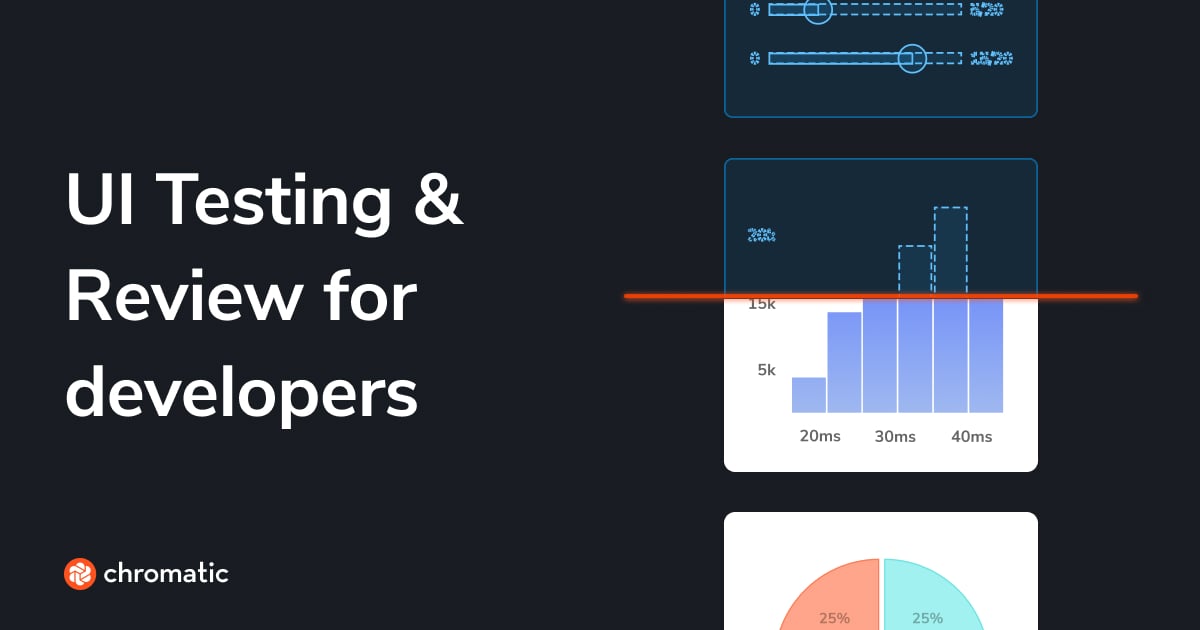
Visual testing & review for web user interfaces
Chromatic scans every possible UI state across browsers to catch visual and functional bugs before they reach users. Assign reviewers and resolve discussions to streamline team sign-off.
What it is
Chromatic is a cloud-based visual testing and review platform for web user interfaces. It is designed for frontend developers, designers, product managers, and stakeholders working in teams to build and maintain UI components. The tool automatically scans UI states across different browsers to catch visual, functional, and accessibility bugs before deployment, and it provides a centralized workspace for team collaboration and sign-off.
Main Features
Visual Testing
- Automatically captures snapshots of UI components across multiple browsers, themes, and viewports
- Compares snapshots over time to detect visual regressions in appearance, layout, fonts, and colors
- Tests interactions such as click, type, hover, and drag
Accessibility Testing
- Scans for WCAG violations and compliance issues
- Runs accessibility checks alongside visual tests
UI Review & Collaboration
- Allows team members to post comments and change requests directly on components
- Enables assignment of specific reviewers (design, product, engineering) for sign-off
- Integrates feedback with version control and CI status checks
Component Cataloging (Publish)
- Centralizes UI components, stories, tests, and documentation in a searchable library
- Auto-updates the library with every code push
- Provides component history down to the specific commit for comparison
Integration & Workflow
- Supports integration with major testing frameworks including Storybook, Playwright, and Cypress
- Connects with CI/CD tools (e.g., GitHub Actions, GitLab CI, CircleCI, Jenkins)
- Offers notifications via Slack, webhooks, and a Figma plugin
How it works
Automated Testing in CI/CD
Developers integrate Chromatic into their continuous integration pipeline. Whenever code is pushed, Chromatic automatically builds the UI, captures snapshots across multiple browsers, and runs visual, accessibility, and interaction tests. It then compares the new snapshots against approved baselines to identify any regressions. The results are reported back to the pull request as status checks.
Collaborative UI Review
When a visual change is detected or a new component is built, team members are notified. Designers, product managers, and other stakeholders can access a live version of the UI in the Chromatic workspace. They can leave feedback directly on the components, discuss changes, and approve them. This review status is synchronized with the Git repository, keeping the entire team aligned.
Maintaining a UI Library
Teams use Chromatic to publish and maintain a living catalog of their UI components. This library is automatically updated from the codebase and serves as a single source of truth, complete with documentation, API details, and usage examples. This allows anyone in the organization to discover, understand, and use existing components.
Key Points
- Built and maintained by the core team behind Storybook, ensuring deep integration and best practices for component-driven development.
- Aims to eliminate UI bugs and reduce manual testing effort by automating visual and functional checks.
- Focuses on team collaboration, bridging the gap between developers and non-technical stakeholders like designers and product managers.
- Uses a custom detection algorithm to minimize test flakiness caused by animations, latency, or minor DOM changes.
- Offers TurboSnap technology to intelligently test only the components affected by a code change, significantly speeding up test runs.
Additional Details
- Pricing: A free plan is available to get started. Paid plans with more features and higher usage limits are detailed on the Chromatic website.
- Integrations: Native support for Storybook, Playwright, Cypress, Figma, Slack, and all major CI/CD providers and version control systems (GitHub, GitLab, Bitbucket).
- Security: The company is SOC 2 compliant, addressing security and privacy concerns for enterprise users.
- System Requirements: Works with any modern web application built with standard frontend frameworks (e.g., React, Vue, Angular).
- Availability: A cloud-hosted service (SaaS); no self-hosted option is mentioned.