Docusign | #1 in Electronic Signature and Intelligent Agreement Management
Create, commit to, and manage your agreements all in one platform with Docusign IAM. Electronically sign for free.
What it is
DocuSign is an Intelligent Agreement Management (IAM) platform that enables businesses and individuals to create, sign, and manage agreements electronically. It serves a broad user base, from individuals needing to sign documents to large enterprises across various departments like sales, legal, human resources, and procurement, as well as specific industries including financial services, real estate, and government.
Main Features
Agreement Creation and Preparation
- Generate agreements using streamlined template management and AI
- Intuitively prepare new agreements with seamless integrations
Electronic Signature
- Send, sign, and track documents from anywhere using almost any device
- Finalize agreements faster with collaborative commenting and shared templates
- Deliver agreements via multiple channels, including SMS and WhatsApp
Agreement Management and AI Analysis
- Search, manage, and analyze agreements using AI-powered insights
- Receive agreement reminders and access a central repository for all documents
- Store, manage, and analyze agreements with Navigator
Workflow Automation
- Automate agreement processes with customized, no-code workflows using Maestro
- Optimize contract lifecycle management to accelerate cycle times and reduce risks
Integration and Development
- Integrate with 1000+ pre-built applications and cloud storage systems
- Extend functionality with robust APIs and a developer center for custom solutions
- Utilize a mobile app for on-the-go access
Security and Compliance
- Electronically notarize documents remotely
- Meet stringent global security standards including ISO 27001, FedRAMP, and PCI DSS
How it works
Sending Documents for Signature
Users upload a document, add recipient email addresses, and place fields for signatures, dates, or other information. DocuSign emails a secure link to recipients, who can review and sign the document electronically on any device.
Managing Agreement Workflows
For complex processes, users build automated workflows using Maestro. This can route contracts for approvals, manage renewals, and ensure compliance by connecting data across various business systems like CRM or ERP platforms.
Analyzing Existing Agreements
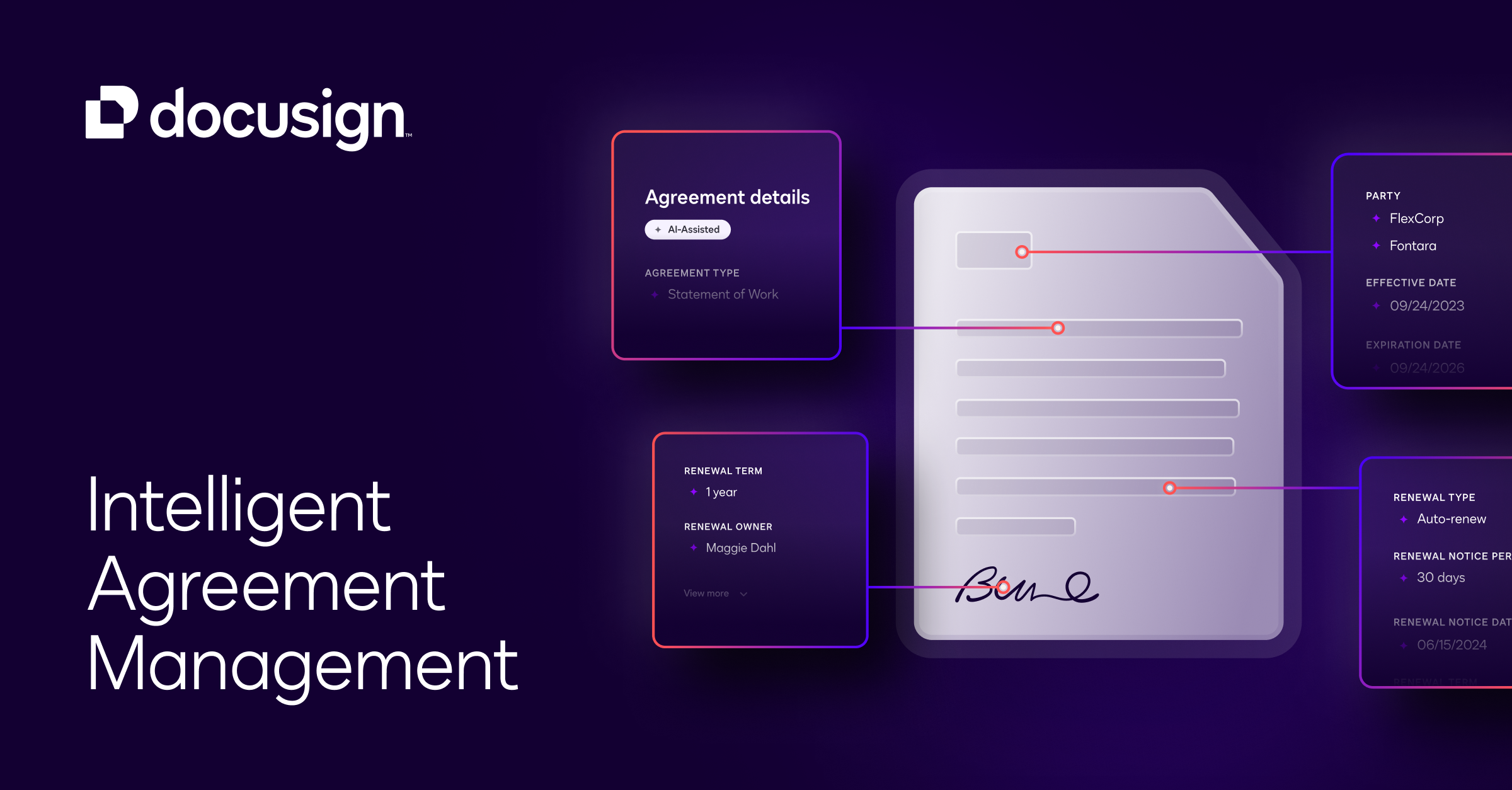
Businesses upload their existing agreement libraries to the Navigator tool. AI analyzes the documents to extract key terms, provide insights, and send reminders for critical dates like renewals or expirations.
Integrating with Business Systems
Developers and IT teams use DocuSign APIs to embed electronic signature and agreement management capabilities directly into existing business applications, such as Salesforce, SAP, or custom software.
Key Points
- DocuSign is a market leader, trusted by 1.7 million customers and used by 95% of Fortune 500 companies.
- The platform supports 44 languages for signers and 14 for senders, facilitating global use.
- It was named the #1 most trustworthy software company in America by Newsweek.
- The system is designed to significantly reduce agreement processing times, with customer reports citing a 50% reduction in average contract completion time.
- It offers strong legal validity, with electronic signatures that are legally binding in most countries around the world.
Additional Details
- Pricing: Offers a free trial. Paid plans are available for eSignature, IAM, API, and industry-specific solutions (e.g., Real Estate). Discounts are often available for annual commitments.
- Availability: Accessible globally via web browser and mobile apps for iOS and Android.
- Requirements: An internet connection and a valid email address are required for signers. Senders need a DocuSign account.
- Support: Resources include a Support Center, Docusign University for training, a Community forum, and a Trust Center for system status and security information.