CleanShot X for Mac
Capture your Mac’s screen like a pro.
What it is
CleanShot X is a premium screen capture and recording application for macOS, designed as a powerful replacement for the default macOS screenshot tool. It is targeted at professionals, designers, developers, and any Mac user who requires advanced and efficient tools for capturing, annotating, and sharing screen content.
Main Features
Screen Capture
- Scrolling capture for content that doesn't fit on a single screen
- Self-timer for delayed screenshots
- Crosshair mode for precise alignment
- Hide desktop icons and clutter for clean captures
- Scale down Retina resolution screenshots automatically
- Custom wallpaper for screenshots and recordings
Annotation
- A comprehensive toolset for highlighting and marking up screenshots
- Includes shapes (arrows, rectangles, circles), text, highlights, and blurs
- Designed for speed and efficiency
Screen Recording
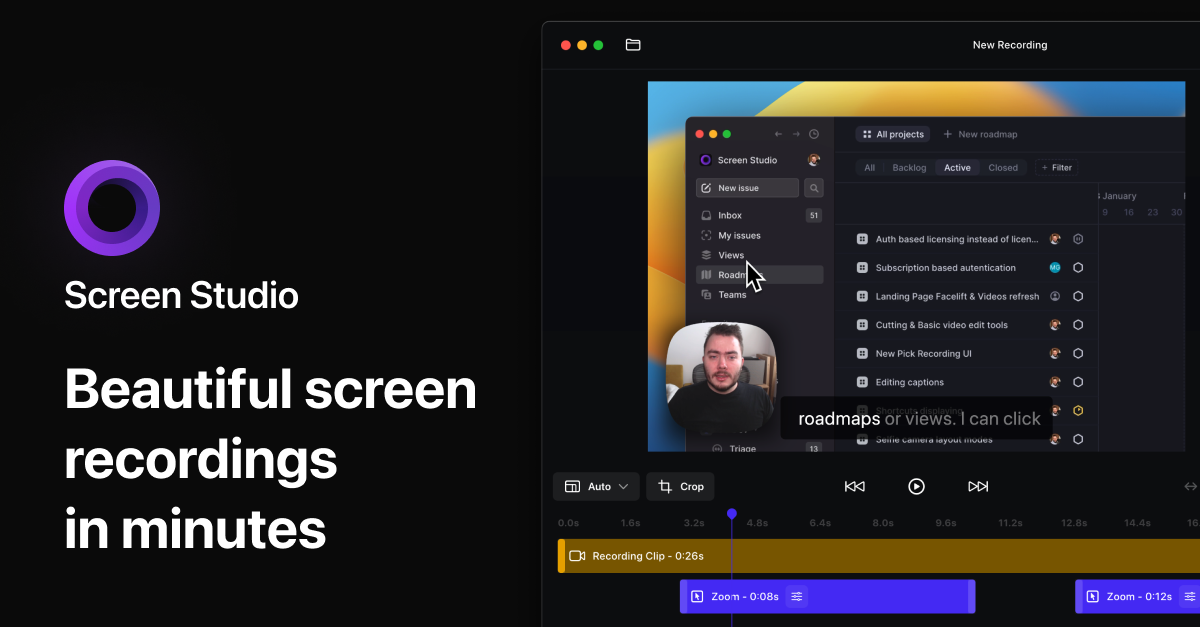
- Record screen as video or optimized GIF files
- Record microphone and system audio simultaneously
- Show webcam feed in recordings (picture-in-picture)
- Highlight mouse clicks and keystrokes
- Automatically hide notifications during recording
- Built-in trimming tool for editing recordings
Workflow & Utility
- Quick Access overlay for instant saving, copying, or drag-and-drop sharing
- Pin screenshots to keep them visible above all windows (adjustable size and opacity)
- Text recognition (OCR) for copying non-selectable text from images
- Background tool for adding aesthetic backgrounds to screenshots, ideal for social media
CleanShot Cloud Integration
- Upload screenshots and recordings to get a shareable link in one click
- Custom domain and branding for Pro users
- Team management features for Pro users
- A Cloud account is not required to use the core app
How it works
Capturing and Annotating for Communication
Users initiate a capture (screenshot or scrolling screenshot) using a keyboard shortcut or the menu bar icon. After capturing, an overlay appears providing options to save, copy, or drag the image elsewhere. The annotation tool opens automatically, allowing the user to quickly add arrows, highlights, or text before sharing the marked-up image via their preferred app or a Cloud link.
Creating Tutorials and Demos
For creating instructional content, users start a screen recording. They can choose to include their webcam, microphone audio, and system sounds. The recording automatically highlights mouse clicks and keystrokes. After recording, the built-in trimmer allows for quick edits before the video or GIF is saved or shared directly via the Cloud.
Maintaining a Clean Workspace
The app allows users to hide desktop icons permanently or temporarily for a cleaner workspace and distraction-free screen sharing. The pinning feature lets users keep a reference screenshot (like a code snippet or instruction) floating on top of all other windows for easy access.
Key Points
- The application is a native Mac app, optimized for performance and compatibility with Apple Silicon and the latest macOS versions.
- It consolidates over 50 features into a single utility, often described as replacing multiple individual apps.
- The core app functions fully without requiring a CleanShot Cloud account; Cloud features are optional for enhanced sharing and collaboration.
- It is highly customizable, allowing users to tweak settings and shortcuts to fit their specific workflow.
Additional Details
- Pricing: The software is a paid application. A free trial is available, and it comes with a 30-day money-back guarantee. Pricing and plans, including Pro tiers with Cloud features, are detailed on the website.
- Requirements: Designed exclusively for macOS. Advertised as ready for macOS Sequoia and Apple Silicon.
- License: A license is required for use. Users can manage licenses and download the application through a dedicated License Manager portal.
- Support: Support is offered through a comprehensive FAQ, contact email, and a status page. An affiliate program and API documentation are also available.
.webp)