.webp)
Best Mac Screen Recorder Tool | Capture and Record Screens with ScreenStory
Looking for the best Mac screen recorder tool? ✔️ScreenStory is your ultimate solution. Capture and record your screens effortlessly with our powerful and user-friendly software. ⭐️Try it now!
What it is
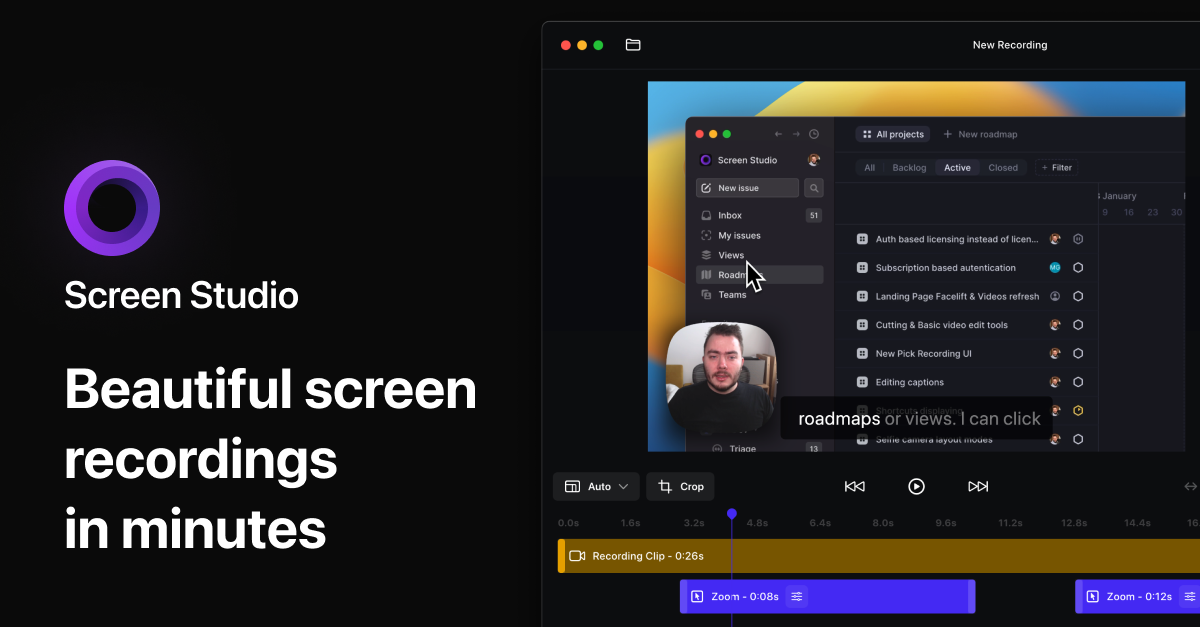
ScreenStory is a macOS screen recording application designed to transform standard screen captures into polished videos and GIFs. It automates the application of professional design patterns to recordings, eliminating the need for manual video editing. The tool is targeted at entrepreneurs, marketers, designers, developers, and tutors who need to create engaging video content for demos, tutorials, social media, and presentations.
Main Features
Recording & Export
- Record the entire screen or any specific window
- Supports webcam and microphone input, including external devices
- Export in multiple formats including MP4 and GIF
- Support for 4K resolution and 60 FPS export
- Copy video to clipboard for quick pasting into other apps
Automated Enhancements
- Automatic Zoom: Automatically zooms in on user actions performed on screen
- Smooth Cursor Movement: Transforms rapid cursor movements into smooth glides
- Motion Blur: Applies motion blur to animations for a smoother visual experience
Customization & Editing
- Background & Window Frames: Choose from various backgrounds to match brand guidelines
- Cursor Settings: Option to remove the cursor completely or change its appearance; works with iPhone simulator for mobile demos
- Trim and Split: Slice off the start or remove unwanted parts of a recording
- Vertical Mode Export: Automatically adjusts all zooms for optimal vertical viewing
- Selfie Camera Support: Record with a webcam and switch between screen, camera, or picture-in-picture views
Productivity Tools
- Teleprompter: An invisible notes window for reading during recording
- Project Master Files: Streamlines video editing and repurposing
- Cloud Sharing Links: Instantly share videos via cloud links (with a subscription)
How it works
Creating a Product Demo
A user records their screen while demonstrating a software feature. As they click and navigate, ScreenStory automatically applies zooms to key actions and smooths out cursor movements. After recording, they can quickly trim the beginning and end, choose a branded background, and export the video to share with potential customers.
Recording a Video Tutorial
An instructor records their screen and webcam simultaneously while explaining a process. The tool automatically handles the layout, zooming into important areas of the screen. They use the teleprompter feature to stay on script. Finally, they export the tutorial as an MP4 for their course platform or as a GIF for a quick social media tip.
Sharing a Quick Update
A developer records a short clip showcasing a new update to their pet project. They use the setting to hide their cursor for a cleaner look. After recording, they use the Copy to clipboard feature to instantly paste the video into a team chat or social media post for asynchronous sharing.
Key Points
- The application processes videos entirely on-device, enabling offline use and ensuring security and privacy.
- It is specifically designed to eliminate the need for advanced video editing skills or expensive software like After Effects.
- The development team is actively adding new features based on user feedback, with a public changelog and bi-weekly update emails.
- A free trial is available, allowing users to test all features before purchasing a subscription.
Additional Details
- Pricing: Two main subscription plans are offered:
- Month Pass: $19 per month
- Yearly Pass: $89 per year (most popular) Both plans include all features, unlimited exports, priority support, and on-device rendering.
- System Requirements: The application is currently available only for macOS. A Windows version is in development.
- Support: The software supports recording with multiple displays and within Citrix-walled environments.
- License Management: License activation is currently per device. Users must contact support (
team@screenstory.io) to transfer a license to a new Mac. Easier license switching between devices is a planned feature.