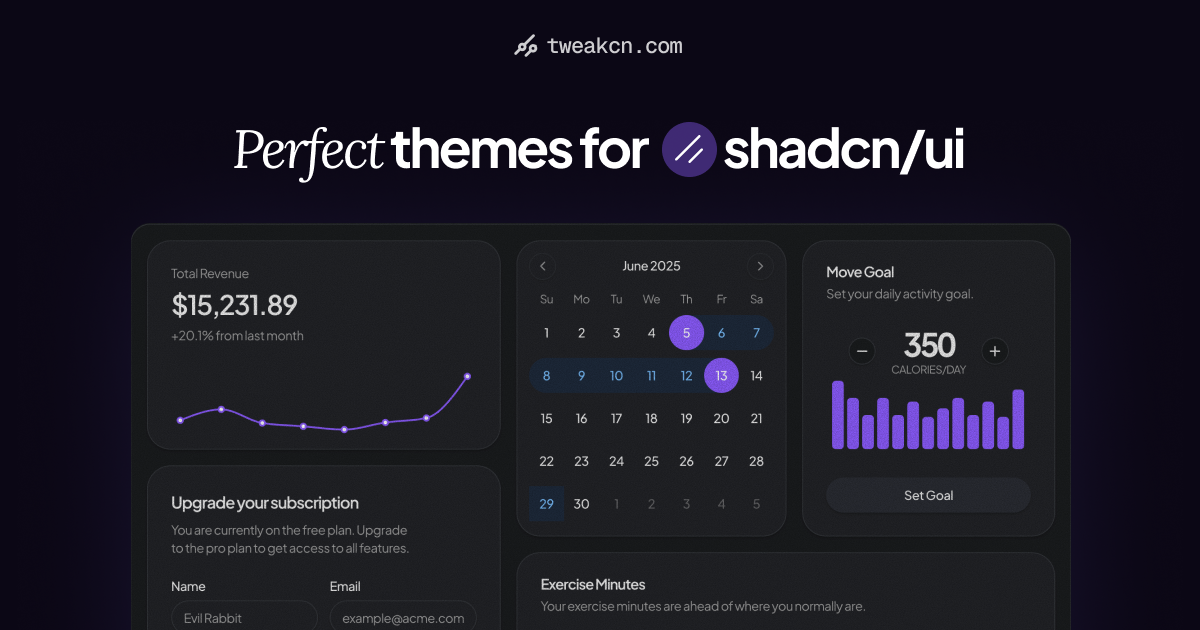
Beautiful themes for shadcn/ui — tweakcn | Theme Editor & Generator
Customize theme for shadcn/ui with tweakcn's interactive editor. Supports Tailwind CSS v4, Shadcn UI, and custom styles. Modify properties, preview changes, and get the code in real time.
What it is
tweakcn is a visual theme editor and generator specifically designed for shadcn/ui components. It enables developers and designers to customize the appearance of their shadcn/ui-based applications through an intuitive interface. The tool is primarily for front-end developers and UI/UX designers working with shadcn/ui and Tailwind CSS who want to create cohesive, branded designs without manually writing extensive CSS.
Main Features
Theme Customization
- Real-time visual preview of component changes
- Color control with intuitive picker for background, text, and border colors
- Typography settings for font size, weight, and text transformation
- Tailwind properties control for radius, spacing, and shadows
Theme Generation
- Extensive library of pre-built theme presets (Modern Minimal, Twitter, Amethyst Haze, Catppuccin, and many more)
- AI-powered theme generation from images or text prompts (Pro feature)
- Contrast checker for accessibility compliance
- Support for multiple color formats including OKLCH, HSL, RGB, and hex
Technical Compatibility
- Support for both Tailwind CSS v3 and v4
- Export functionality to copy generated Tailwind CSS code
- Theme import/export capabilities
How it works
Creating a Custom Theme
Users select a starting theme preset from the available library, then use the visual editor to adjust colors, typography, and component properties. Changes are reflected in real-time through a preview interface. Once satisfied, users copy the generated Tailwind CSS code directly into their project.
Generating Themes with AI
Pro users can provide either an image or text prompt to the AI theme generator. The system analyzes the input and creates a complete, ready-to-use theme with coordinated color palettes for all component states and variations, which can then be further customized manually.
Applying to Existing Projects
Developers with existing shadcn/ui projects can use the generated CSS code to override their current theme variables, ensuring consistent styling across their application components.
Key Points
- Completely free basic version with no signup required
- Open-source project with active community development
- Focuses on accessibility with built-in contrast checking
- Provides immediate visual feedback during customization
- Supports the latest Tailwind CSS color systems including OKLCH
- Trusted by prominent developers in the shadcn/ui ecosystem
Additional Details
Pricing
- Free tier: Includes all basic customization features and preset themes
- Pro tier: $9/month or $79/year, includes AI theme generation, checkpoint restoration, and image upload capabilities
Technical Requirements
- Compatible with any project using shadcn/ui and Tailwind CSS
- No dependencies or installations required for the web editor
- Open-source code available on GitHub under MIT license
Availability
- Web-based editor accessible at tweakcn.com
- Source code available on GitHub for self-hosting
- Active development with regular feature updates
- Community support through Discord and GitHub discussions
Roadmap Features
- Community theme sharing and voting system
- Multi-project management capabilities
- Enhanced smart theme generator from single colors or color pairs
- Global theme editor for complete application theming