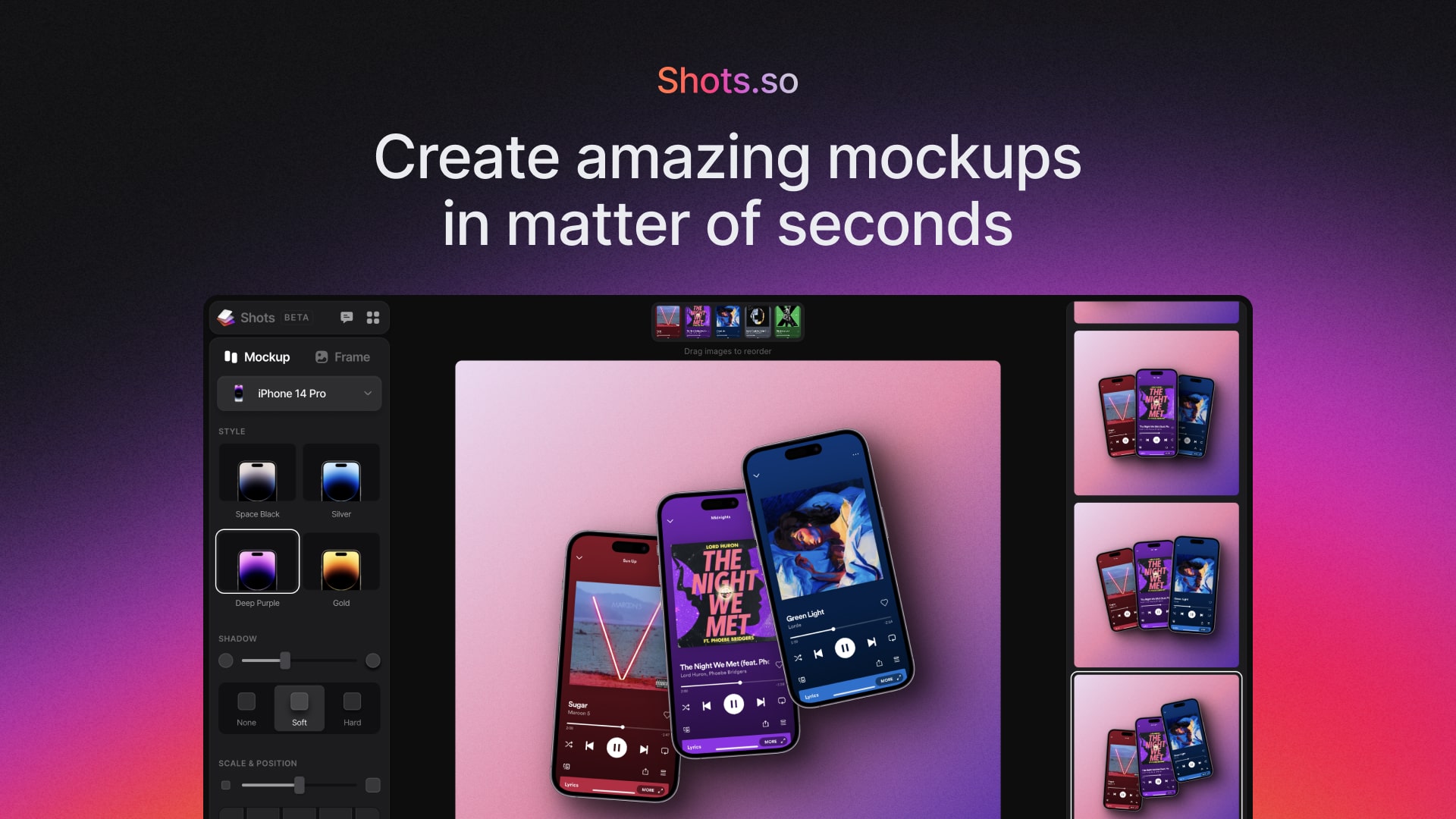
Create Amazing Mockups
Create Amazing Mockups
What it is
Shots is a web-based mockup creation tool that enables users to generate high-quality images, animations, and videos for social media, websites, and other digital content. It is designed for content creators, marketers, designers, and social media managers who need to present digital products and screenshots in a professional and visually appealing format.
Main Features
Templates & Layouts
- Large collection of pre-designed templates for various use cases
- Pre-made layouts tailored for different content types
- Complete set of device mockups including iPhone, Android phones, iPads, and desktop devices
Video & Animation
- Video creation with After Effects quality level output
- Zoom effects with parallax for focusing on important elements
- Animation presets to bring designs to life
- Support for both images and video content
Styles & Effects
- Magic Backgrounds that automatically adapt to content
- 3D shapes and shadow overlays
- Visual effects including noise, VHS, and glitch effects
- Multiple style presets (Glass Light, Glass Dark, Outline, Border, Retro, Card, Stack)
- Customizable border styles and corner radius
- Adjustable shadow modes (None, Spread, Hug, Adaptive)
Customization & Export
- Custom watermark capability for branding
- Pixel-perfect exports with social media frame presets
- Custom frame sizing options
- Sharable links for collaboration
- Multiple background options (Transparent, Color, Image, Unsplash, Magic backgrounds)
- Background categories including Solid Color, Gradient variants, Desktop Backgrounds, Abstract, Earth, and Texture
How it works
Creating Social Media Content
Users start by selecting a template or mockup frame, then drag and drop their media (images or videos) into the interface. They can customize the layout, apply styles and effects, add animations, and then export the final result in the appropriate format and dimensions for various social media platforms.
Producing Professional Mockups
Users choose from device-specific mockups (phones, tablets, desktops), customize the appearance with different styles and borders, add professional shadows and lighting effects, and apply brand elements through watermarks before exporting high-resolution mockups for presentations or client work.
Generating Animated Content
Users can create animated videos by applying zoom effects, animation presets, and visual effects to their static images or video content, resulting in professional-looking motion graphics without requiring advanced video editing skills.
Key Points
- Web-based application requiring no software installation
- Intuitive drag-and-drop interface with easy customization options
- Professional-quality output comparable to advanced design tools
- Extensive library of templates and background options
- Regular updates with new features (as indicated by multiple NEW labels)
- Keyboard shortcuts available for efficient workflow (Undo, Redo, etc.)
Additional Details
- The service is accessed through a web browser at shots.so
- Users must agree to Privacy Policy and Terms of Service before creating content
- The interface includes options to send feedback and start over with designs
- Various export options including PNG format at different resolutions
- Background sources include built-in options and integration with Unsplash for stock imagery
- The company maintains a Twitter presence (@ShotsAppHQ) for updates and support
