Raycast - Your shortcut to everything
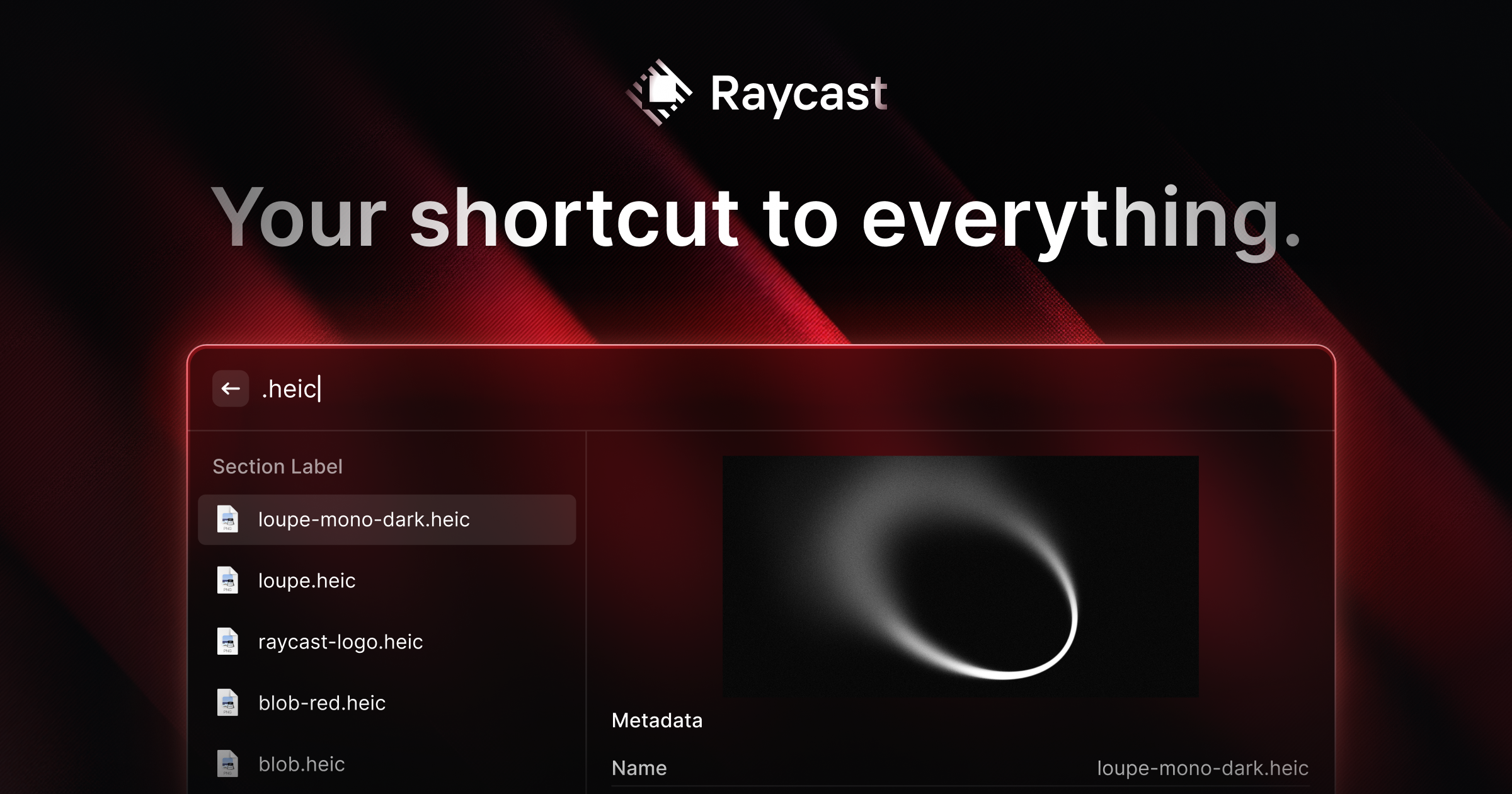
A collection of powerful productivity tools all within an extendable launcher.
What it is
Raycast is a productivity-focused application launcher and automation platform for macOS. It serves as a centralized interface for accessing system functions, third-party applications, and custom workflows directly from the keyboard. It is designed for professionals, including developers, designers, writers, and project managers, who seek to streamline their computer interactions and reduce context switching.
Main Features
Core System Utilities
- Clipboard History: Browse and reuse everything copied to the clipboard, with filtering by type (text, images, files, links, colors).
- File Search: Quickly find and open files on the system.
- Window Management: Organize application windows with shortcuts for splitting screens (e.g., Left Half, Right Half, Top Right Quarter).
- Calculator: Perform calculations with a history of previous entries.
- Emoji & Symbols Picker: Search for and insert emojis and Unicode symbols.
- Calendar Integration: View and manage schedule events.
Automation & Customization
- Quicklinks: Create keyboard shortcuts to launch websites, files, or specific app functions.
- Snippets: Insert frequently used text blocks by typing a short keyword.
- Hotkeys and Aliases: Assign custom keyboard shortcuts or text aliases to launch commands or apps.
- Script Commands: Run custom scripts to automate tasks.
Extensibility
- Extension Store: A marketplace with thousands of community-built extensions to integrate with popular tools.
- API for Developers: A developer API allows users to build custom extensions using React, TypeScript, and Node.js.
AI Integration
- Quick AI: An always-accessible AI assistant for answering questions, coding help, and writing assistance directly within the OS.
- AI Commands: Create custom automations powered by AI to handle repetitive tasks.
How it works
Application Launching and Search
Users invoke the Raycast interface with a global keyboard shortcut. They can then start typing to search for installed applications, open files, or run specific commands, with results filtering in real-time.
Tool and Workflow Automation
Users interact with tools like Clipboard History or Window Management by searching for them within Raycast and selecting an action. For example, a user can search for Left Half to snap the active window to the left side of the screen.
Third-Party Service Integration
Users install extensions from the store to connect Raycast to services like Linear, JIRA, Spotify, or 1Password. They can then search for issues, control music playback, or retrieve passwords without opening the full application.
Using AI Assistance
Users can summon the AI chat from anywhere to ask questions or request help. The AI can provide real-time knowledge, generate text, or help debug code based on the context of what the user is doing.
Key Points
- The interface is designed to be fast, with results appearing in milliseconds, and keyboard-first, minimizing reliance on the mouse.
- It is highly reliable, with a reported 99.8% crash-free rate.
- The platform is extendable, with a large store of extensions for popular SaaS tools and a public API for building custom integrations.
- It includes native AI functionality deeply integrated into the operating system, not just as a separate chat window.
Additional Details
- Pricing: The core app is free to download and use. Raycast Pro is a paid subscription that unlocks features like AI Chat, Cloud Sync, and priority support.
- Availability: Primarily available for macOS (version 13 or later). A version for Windows is in development, with a waitlist available. An iOS app has also been released.
- Installation: Can be downloaded directly from the Raycast website or installed via the Homebrew package manager (
brew install --cask raycast). - System Requirements: Requires macOS 13 or later for the full feature set.