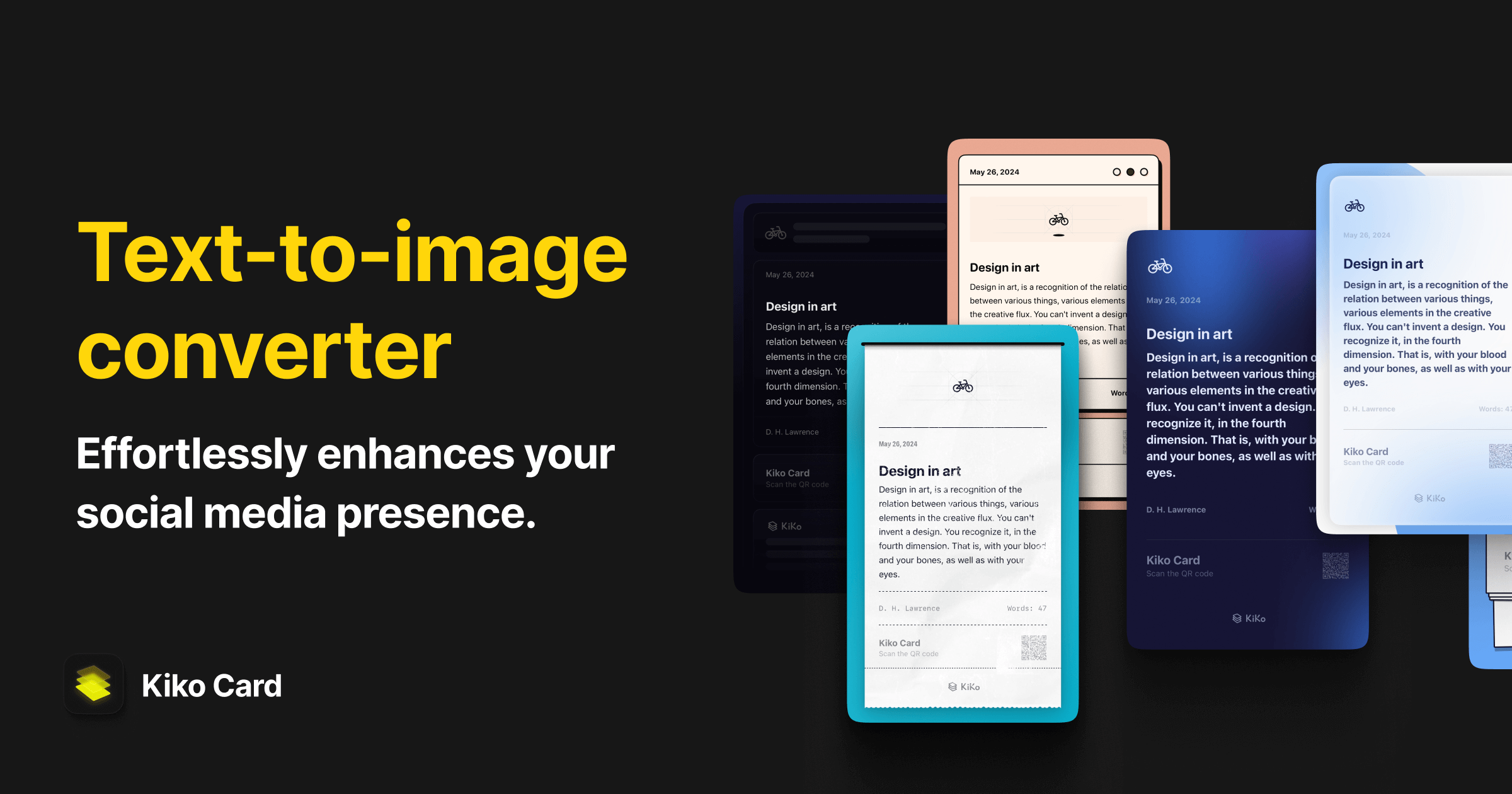
Kiko Card - Text Post & Carousel
Kiko Card is a text-to-image converter, that effortlessly enhances your social media presence.
What it is
Kiko Card is a text-to-image conversion application designed to enhance social media content creation. It is targeted at individuals and businesses, including social media influencers, content creators, small business owners, and community managers, who want to transform text-based content into visually engaging graphics for various platforms.
Main Features
Core Conversion Tools
- Text Image Maker: Converts long blocks of text into a single, seamless image, suitable for tutorials, stories, and blog content.
- Long Text & Image Splitter: Automatically segments long text and images into multiple parts, optimized for creating carousel posts on platforms like Instagram and Twitter.
- QR Code Generator: Instantly transforms web links into QR codes that can be embedded into created images.
Customization & Design
- Pre-designed Templates: Offers a selection of over 10 templates to format text.
- Diverse Coloring Options: Provides over 40 color palettes for customization, including light, dark, and vibrant themes.
- Layout Customization: Allows users to adjust colors and design elements to match their brand or personal aesthetic.
How it works
Creating a Social Media Graphic
A user follows a four-step process:
- Select: Choose a template from the available options.
- Input: Type or paste the desired text into the application.
- Customize: Adjust the layout, colors, and other visual elements.
- Export and Share: Export the final graphic as a JPG file or share it directly to social media platforms.
Optimizing Content for Carousel Posts
Users input a long section of text or a large image. The Image Splitter feature automatically divides the content into a series of optimized images, creating a ready-to-publish carousel post for Instagram or other supported platforms.
Generating a QR Code for Marketing
A user inserts a web link into the app. The QR Code Generator creates a scannable code, which the user can then place within a designed template to create promotional material or an interactive call-to-action.
Key Points
- The application is designed for users with no design background, emphasizing a user-friendly interface for quick creation.
- It focuses on solving specific social media formatting challenges, particularly through its long-text and image-splitting capabilities.
- Testimonials highlight its utility for creating professional-looking content for engagement and branding.
Additional Details
- Pricing: The application is free to download.
- Availability: Currently available exclusively on iOS (version 16.1 or later) via the App Store. Expansion to other operating systems is planned for the future.
- Output Format: Graphics are exported in JPG format.
- Support: The developer, Kiko Studio, can be contacted via email at hi@kikocard.com.