Diffs, from Pierre
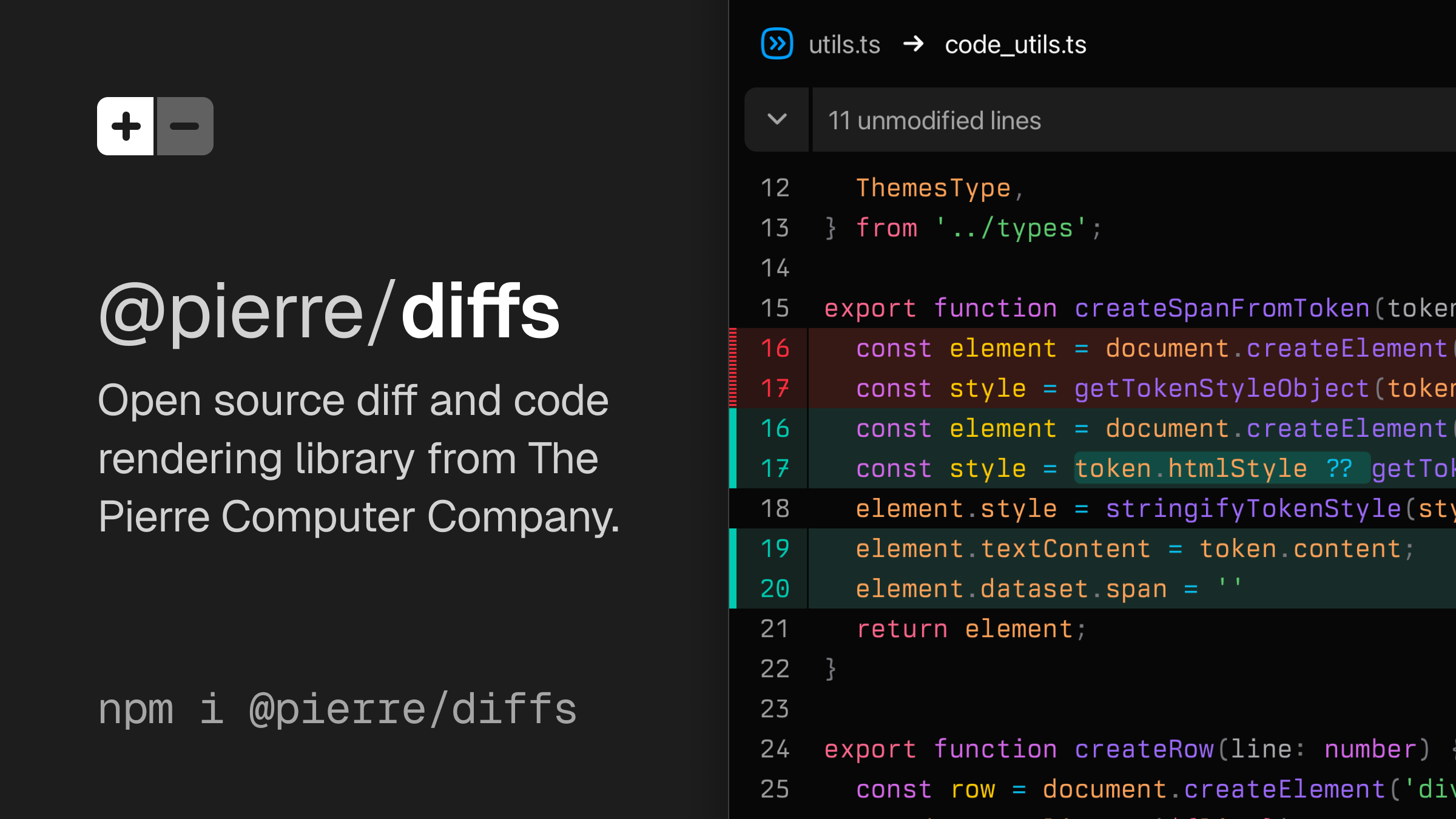
@pierre/diffs is an open source diff and code rendering library. It's built on Shiki for syntax highlighting and theming, is super customizable, and comes packed with features.
Diffs by The Pierre Computer Co. Home Docs Trees DiffsHub A diff rendering library
@pierre/diffs is an open source diff and code rendering library. It's built on Shiki for syntax highlighting and theming, is super customizable, and comes packed with features. Made with love by The Pierre Computer Company.
bun i @pierre/diffs Documentation
Currently v1.2.5
Diff layout styles
Choose from stacked (unified) or split (side-by-side). Both use CSS Grid and Shadow DOM under the hood, meaning fewer DOM nodes and faster rendering.
Split Stacked Adapts to any Shiki theme
We built @pierre/diffs on top of Shiki for syntax highlighting and general theming. Our components automatically adapt to blend in with your theme selection, including across color modes.
pierre-light pierre-dark Auto Light Dark
Love the Pierre themes? Install our Pierre Theme pack with light and dark flavors, or learn how to build your own Shiki themes.
Choose how changes are styled
Your diffs, your choice. Render changed lines with classic diff indicators (+/–), full-width background colors, or vertical bars. You can even highlight inline changes—character or word based—and toggle line wrapping, hide numbers, and more.
Bars Classic None Word-Alt Backgrounds Wrapping Line Numbers Bring your own fonts
@pierre/diffs adapts to any font, font-size, line-height, and even font-feature-settings you may have set. Configure font options with your preferred CSS method globally or on a per-component basis.
Berkeley Mono 14px 20px Custom hunk separators
Swap between the built-in hunk separator styles and a CSS-only custom variant to preview how collapsed chunks are displayed.
Line Info Line Info Basic Metadata Simple Custom CSS Custom headers
Switch between lightweight header metadata and a fully custom header rendered inside the built-in data-diffs-header shell.
Metadata Custom header Viewed Merge conflict resolution UI
Render conflicts through a dedicated diff primitive that treats current and incoming sections as structured additions/deletions without running text diffing. Resolve by choosing current, incoming, or both changes and preview the updated file instantly.
Reset Auto Light Dark Comments & Annotations
@pierre/diffs provide a flexible annotation framework for injecting additional content and context. Use it to render your own line comments, annotations from CI jobs, and other third-party content.
You 3h
Should we validate the role parameter? We could restrict it to a set of allowed values.
Amadeus 2h
Good idea, maybe use a Literal type or an enum.
Mark 2h
Agreed, we should also update verify_token to return the role.
Add reply... Resolve Accept/Reject Changes
Annotations can also be used to build interactive code review interfaces similar to AI-assisted coding tools like Cursor. Use it to track the state of each change, inject custom UI like accept/reject buttons, and provide immediate visual feedback.
Reset Undo ⌘N Keep ⌘Y Line selection
Turn on line selection with enableLineSelection: true. When enabled, clicking a line number will select that line. Click and drag to select multiple lines, or hold Shift and click to extend your selection. You can also control the selection programmatically. Also selections will elegantly manage the differences between split and unified views.
No selection Select line 23 Select lines 32-41 Token Hover
Attach hover callbacks to individual syntax tokens with onTokenEnter and onTokenLeave. Here we’ve added a static CSS knowledge index to show information-rich tooltips on hover. Try hovering over CSS properties, values, and at-rules below. See the Token Hooks docs for the full API.
Diff arbitrary files
In addition to rendering standard Git diffs and patches, you can pass any two files in @pierre/diffs and get a diff between them. This is especially useful when comparing across generative snapshots where linear history isn't always available. Edit the css below to see the diff.
BEFORE.CSS AFTER.CSS With love from The Pierre Computer Company
Collectively, our team brings over 150 years of expertise designing, building, and scaling the world's largest distributed systems at Cloudflare, Coinbase, Discord, GitHub, Reddit, Stripe, X, and others.
Join Discord View on GitHub © 2026 The Pierre Computer Co. Diffs Home Docs Playground Theme Trees Home Docs DiffsHub Home Community X Discord GitHub