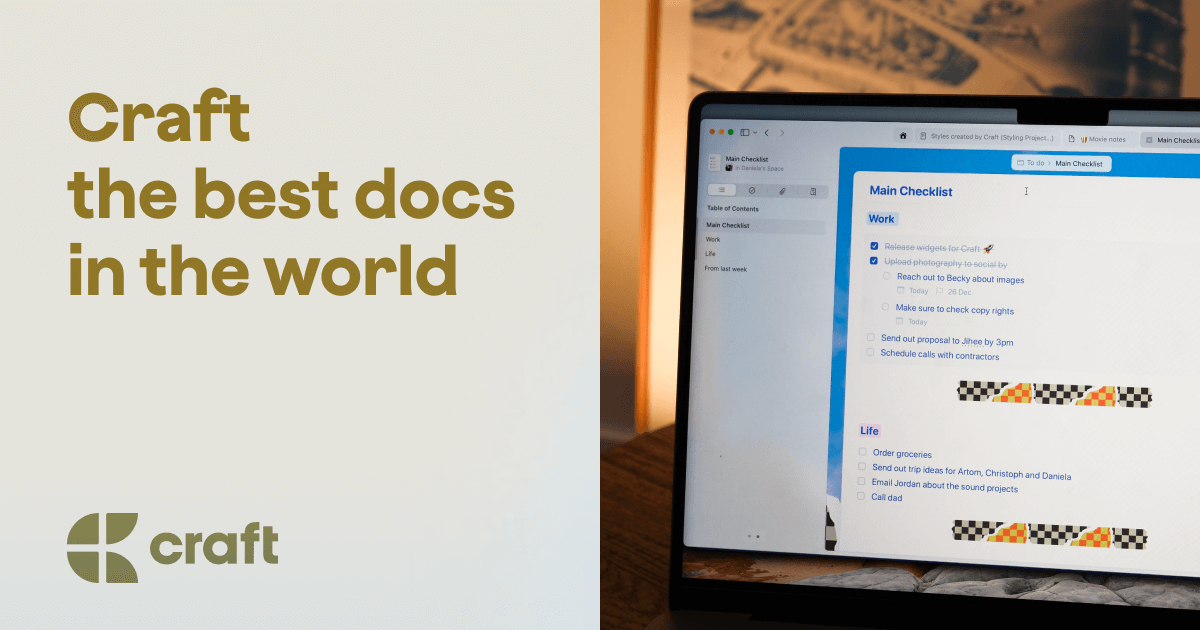
Craft — Docs and Notes Editor
A premium writing experience that follows you across all your devices.
What it is
Craft is a native, all-in-one application designed for creating and organizing notes, tasks, and ideas. It functions as a personal workspace that integrates writing, planning, and research capabilities. It is aimed at individuals and professionals seeking a centralized, flexible tool for managing both daily tasks and large projects across multiple devices.
Main Features
Writing
- Seamless writing experience across all devices
- Support for Markdown formatting
- Integration with Apple Pencil for handwritten input
- On-device AI assistance for writing enhancement
Planning
- Daily notes for capturing daily thoughts and plans
- Task and to-do list management
- Calendar integration
- System for setting reminders
Research & Learning
- Capture and organization of articles, documents, and ideas
- Organization via tables, collections, and formulas
- On-device AI for generating insights from notes
- Offline functionality with automatic sync upon reconnection
- Ability to publish notes and share them for feedback
Style and Personalization
- Extensive customization options for document appearance
- Over 100 premade styles to choose from
- Ability to add highlights and custom backgrounds
Core Technology
- Native and fast performance
- Offline-first design for uninterrupted work
- Instant synchronization across devices
- On-device AI processing for privacy
How it works
Daily Workflow Management
Users can start their day by creating a daily note, capture quick to-dos during work, and track personal goals—all within the same application. The offline-first capability allows users to work from any location, with changes syncing automatically once an internet connection is established.
Knowledge Base Construction
Users capture information from various sources, which can be organized into collections or tables. The on-device AI can then be used to analyze and refine raw notes into clearer, actionable insights, all processed locally for privacy.
Content Creation and Publishing
Users write and format documents using Markdown and styling tools. Finished notes can be published directly from the app to share with others and gather feedback on ideas.
Key Points
- The application is recognized for being more functional than basic note apps like Apple Notes or Google Keep, while being easier to use than more complex tools like Notion.
- It was chosen as Mac App of the Year, highlighting its quality and user experience.
- A key advantage is its focus on privacy, with AI processing performed on-device rather than in the cloud.
- It integrates with Readwise, allowing users to sync their reading highlights and notes directly into Craft.
Additional Details
Pricing
- Free Plan: Offers full access to core features, suitable for occasional users.
- Plus Plan: Priced at $7.99 per month, designed for users who integrate the app into their daily workflow. A 40% discount on a lifetime Plus plan was being promoted as a Summer Sale.
- Group discounts are available for teams.
Availability
Craft is available as a native application for multiple platforms:
- iPhone, iPad, and Mac (via the App Store)
- Windows (via direct download)
- Apple Vision Pro
Community and Support
The product is supported by a large community across various platforms:
- A Slack community with 14k members for discussions and insider updates.
- Social media presence on X/Twitter (30k followers), Reddit (8k members), and YouTube (10k subscribers) for tutorials and announcements.
- Comprehensive help and support documentation is available on the website.